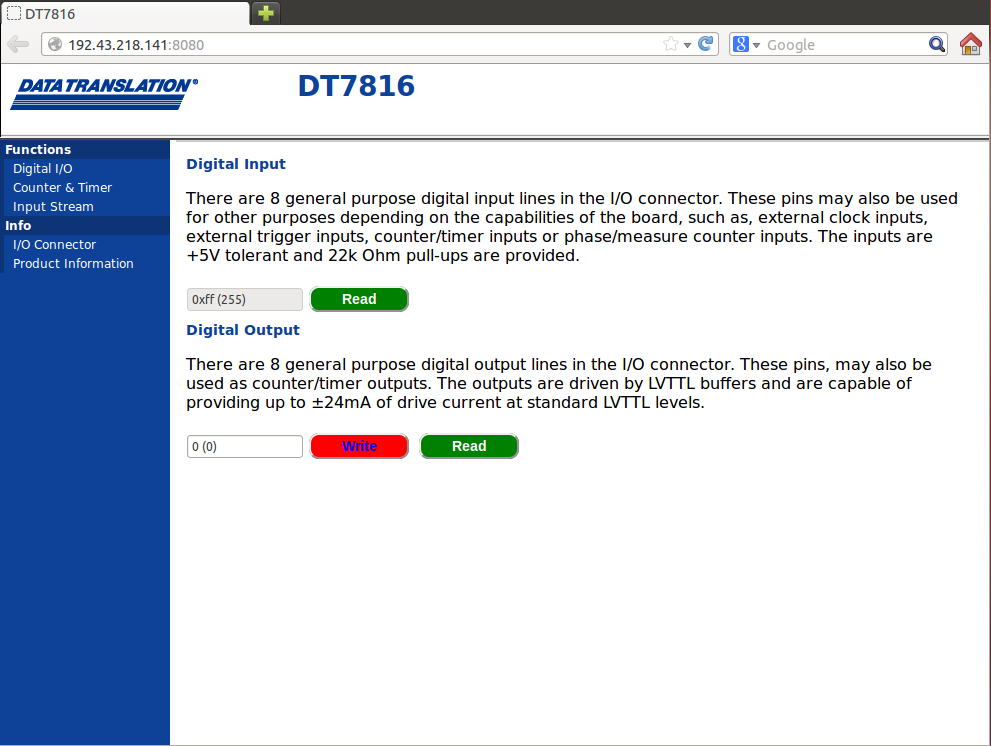
By default, the digital I/O functions appear on the main page of the DT7816 web server. You can also find this page by clicking Digital I/O on the left pane of the application:
To perform a digital I/O operation, perform the following steps:
Wire at least one digital input signal and one digital output signal to the module.
To read the value of the digital input port, click the Read button under the Digital Input section.
To write a value to the digital output port, click the Write button under the Digital Output section.
If desired, you can read the value that you wrote to the digital output port by clicking the Read button under the Digital Output section.
Refer to the DT7816 User's Manual for more information on digital I/O operations.