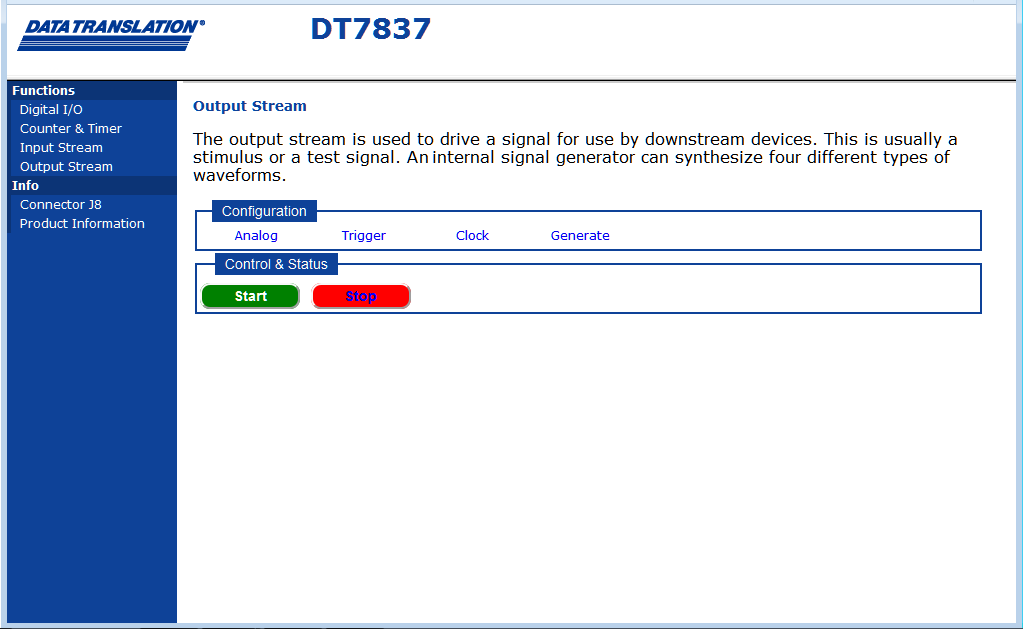
Click Output Stream on the left pane of the application to access the output stream page of the web server:
??Fix this
To output data in the output stream continuously, perform the following steps:
Set up the analog output channels, trigger, sample clock, and waveform generator settings.
Click Start
to start the continuous output operation.
The specified waveform is output
to the analog output channel, if the analog output channel is enabled,
and the application indicates that the operation is in progress.
If desired, click Stop to stop the continuous output operation.